Activity
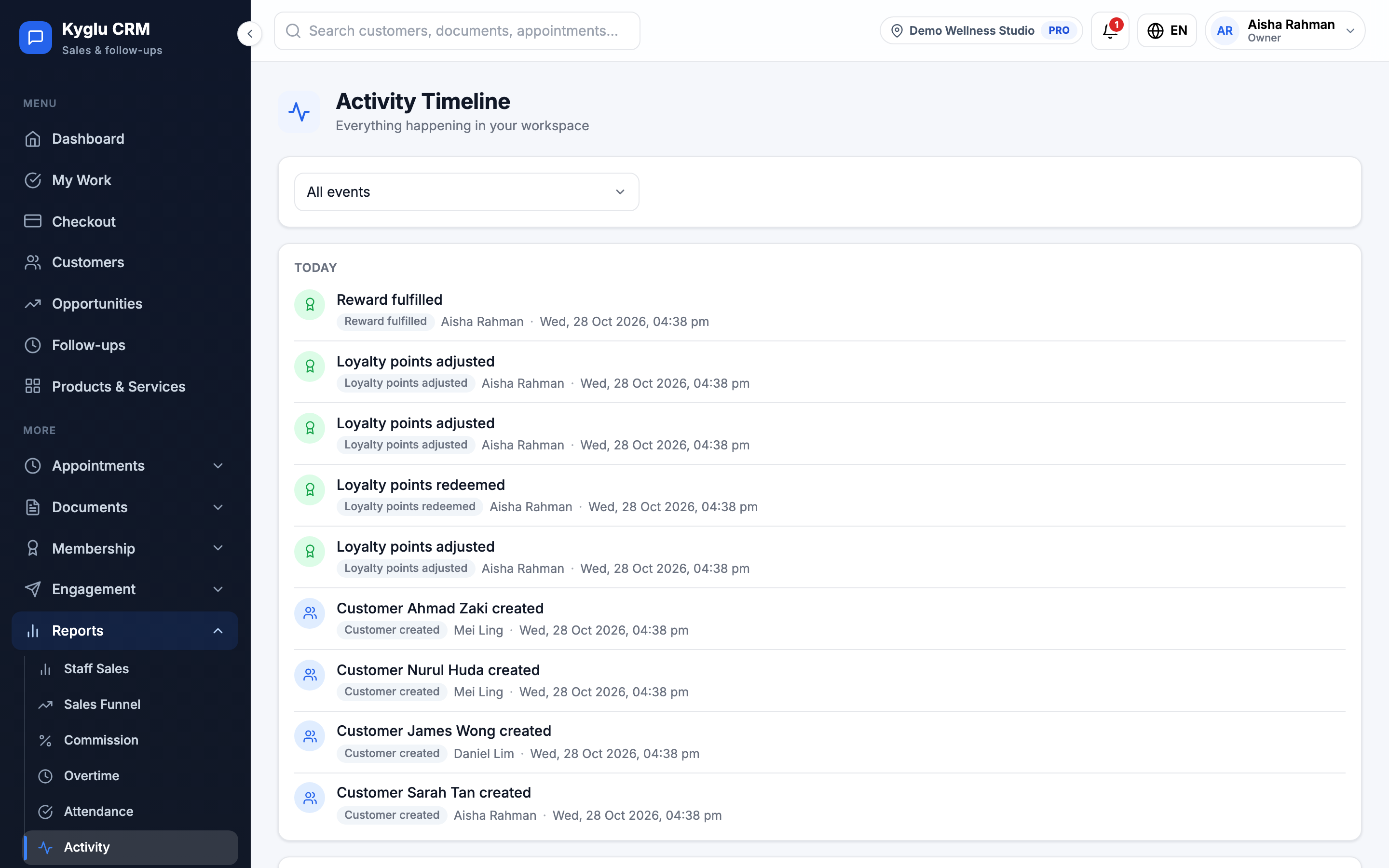
Activity is a timeline of everything that happens in your workspace: who created, changed or deleted what, and when.
Who can see it: Owner, Admin, and Staff with the Reports & activity permission.
Open it from Reports → Activity in the menu.
What's recorded
The timeline includes, for example:
- customers, opportunities, follow-ups and appointments created, changed, rescheduled or reassigned
- quotations and invoices sent by WhatsApp, converted, paid or voided, and manual discounts
- changes to customer tiers, packages, services, templates, promotions and payment methods
- changes to Company Settings, reminders, booking rules and commission settings
- team changes, such as roles, permissions and commission levels
- billing changes, such as a new plan
Each entry shows who did it, or System for automatic changes, and when. Entries are grouped by day.
Commission rates and amounts are never shown here. Changes to them are in Change history on Commission Settings.
Filter
Choose an event type, or All events to see everything. The newest entries are shown first, 30 to a page.
tip
To see the history of one customer, open their profile and go to the Activity tab. Opportunities have their own Activity Timeline too.