Rewards
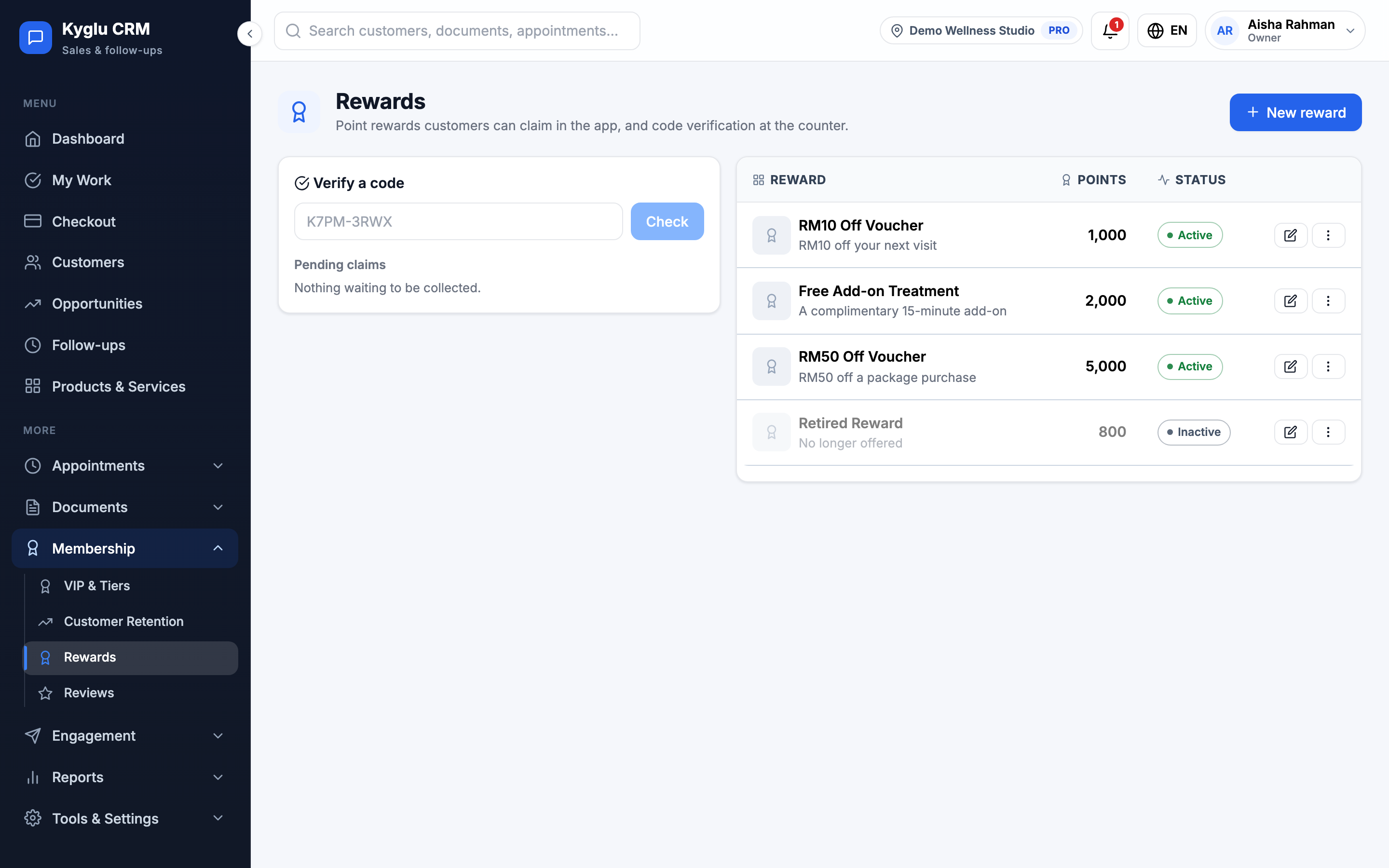
Rewards are gifts customers can claim with their loyalty points, for example "Free 30-minute neck massage for 500 points". Customers claim rewards in the Customer App and collect them at your counter.
Who can see it: Everyone, when loyalty points are turned on. Creating, editing and deleting rewards needs the Owner, an Admin, or Staff with the Marketing & automation permission. Anyone can verify a code and mark a reward collected.
Open it from Membership → Rewards in the menu.
Rewards appear only when Enable loyalty points is on in Company Settings. That's also where you set how customers earn points.
Create a reward
- Click New reward.
- Enter the Reward name and an optional description.
- Set the Points cost.
- Add a Reward photo if you like: JPG, PNG or WebP, up to 2 MB.
- Tick Active (visible in the app).
- Save.
Untick Active to hide a reward from the app. Deleting a reward doesn't affect codes customers have already claimed.
How a customer claims a reward
- In the Customer App, the customer picks a reward they have enough points for.
- The points are taken off their balance straight away, and the app shows a code, for example
K7PM-3RWX. - The customer shows the code at your counter.
Until it's collected, the customer can cancel the claim in the app and get their points back.
Hand over a reward
- On Rewards, enter the customer's code under Verify a code and click Check.
- Check the reward and the customer.
- Give them the reward and click Mark as collected.
Pending claims lists rewards claimed but not yet collected.
Points
Customers earn points when an invoice is marked paid. Each tier can earn points faster, and products, services and packages can set their own points. Customers can also spend points as a discount on an invoice, without claiming a reward.
To add or remove points by hand, open the customer's profile and adjust their points. This needs the Owner, an Admin, or Staff with the All customers permission. Every change is kept in the points history.